
Telling your clients about the move.
Four messages to send.
Keep them short. Most clients only read the first line and the date.
- A week before
Say what's changing
A few sentences will do. Tell them you're moving to a platform in your name, which date their vehicles move, and that nothing in the vehicles will change.
- On the day
Send the new address
Send the sign-in address and explain how to set a password with the Forgot password link. Add the Fleet app address if you offer it.
- Two days after
Ask how it went
Check that reports and alerts are arriving as before. This is when gaps show up, like an alert rule nobody set up again.
- When the old site closes
Explain how to get old reports
Tell clients the old site is shutting down and how they can ask for an older report.
The first sign-in.
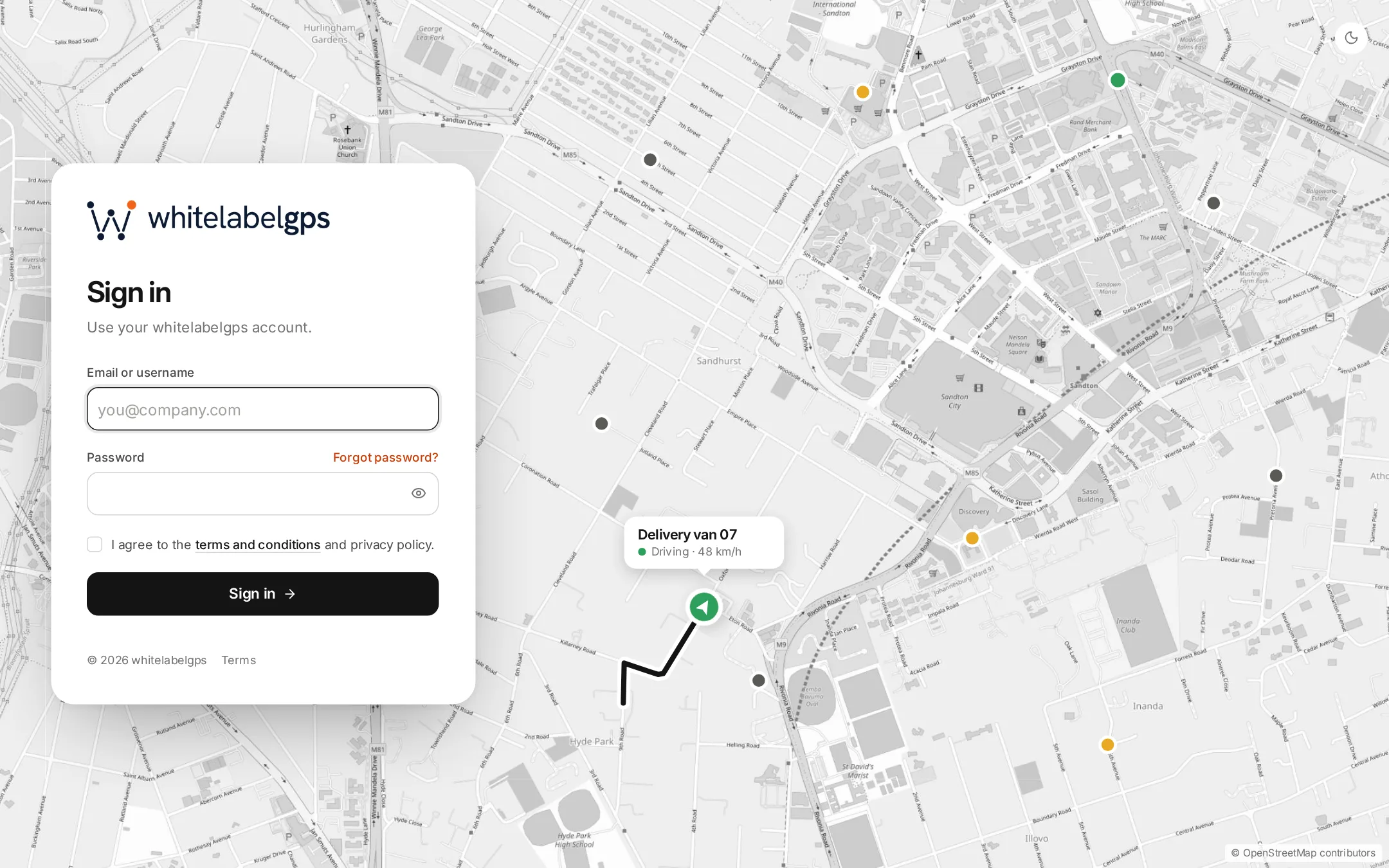
Clients open your address and see your logo above the login form. Imported accounts don't have a usable password yet, so those users enter their email under Forgot password and choose one from the link they get. Accounts you add by hand start with the password you set.
- The reset email comes from your domain
- You can edit its wording in the message templates
Giving clients the Fleet app.
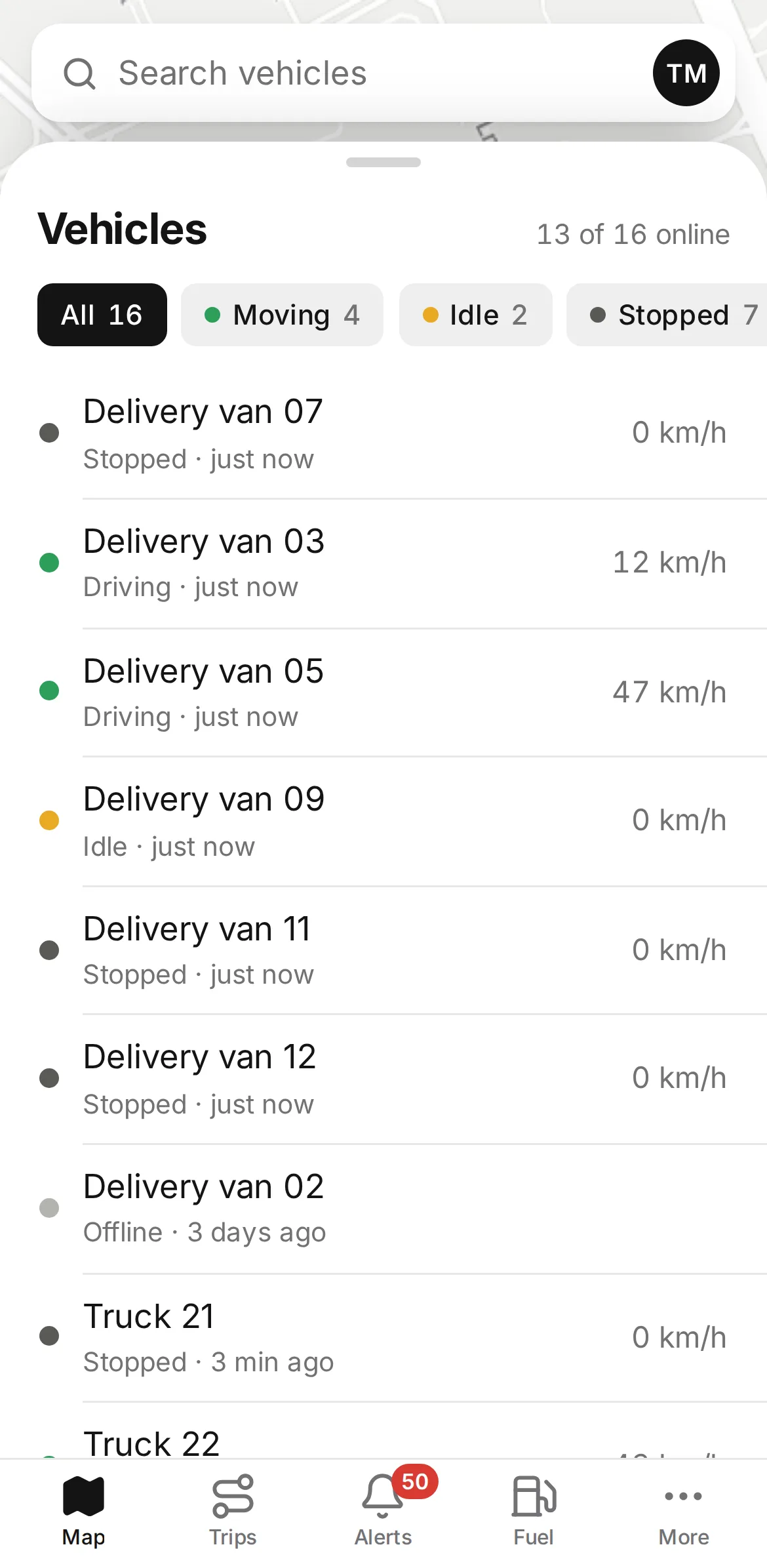
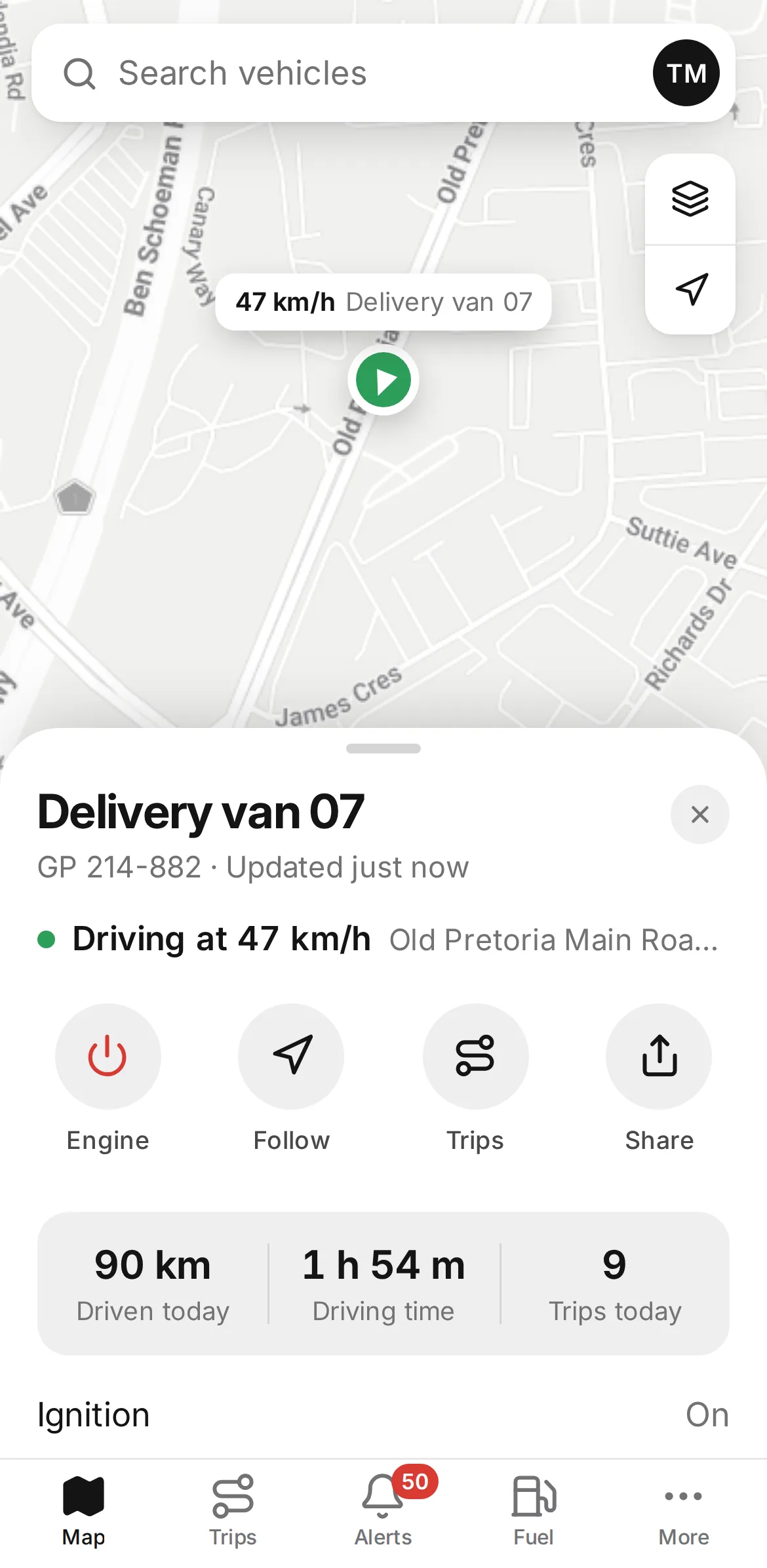
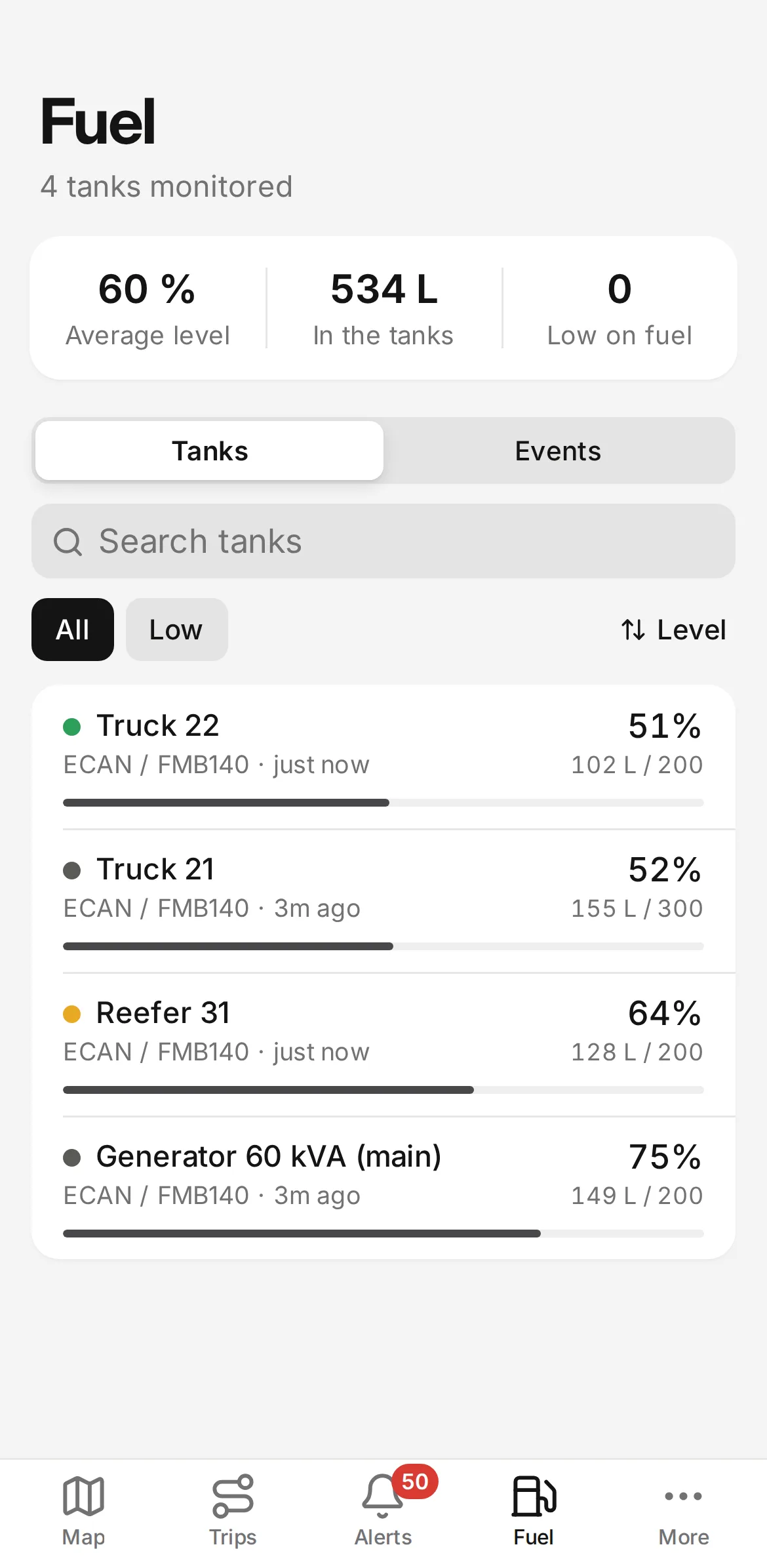
We offer one app, the Fleet app. It runs at a web address under your domain, for example app.yourcompany.com. Clients open that address in their phone's browser and save it to the home screen, and they sign in with their portal login.
It's a one-off $50 for your server, with no charge per client. You can include it in your monthly price or keep it for clients on a higher tier.
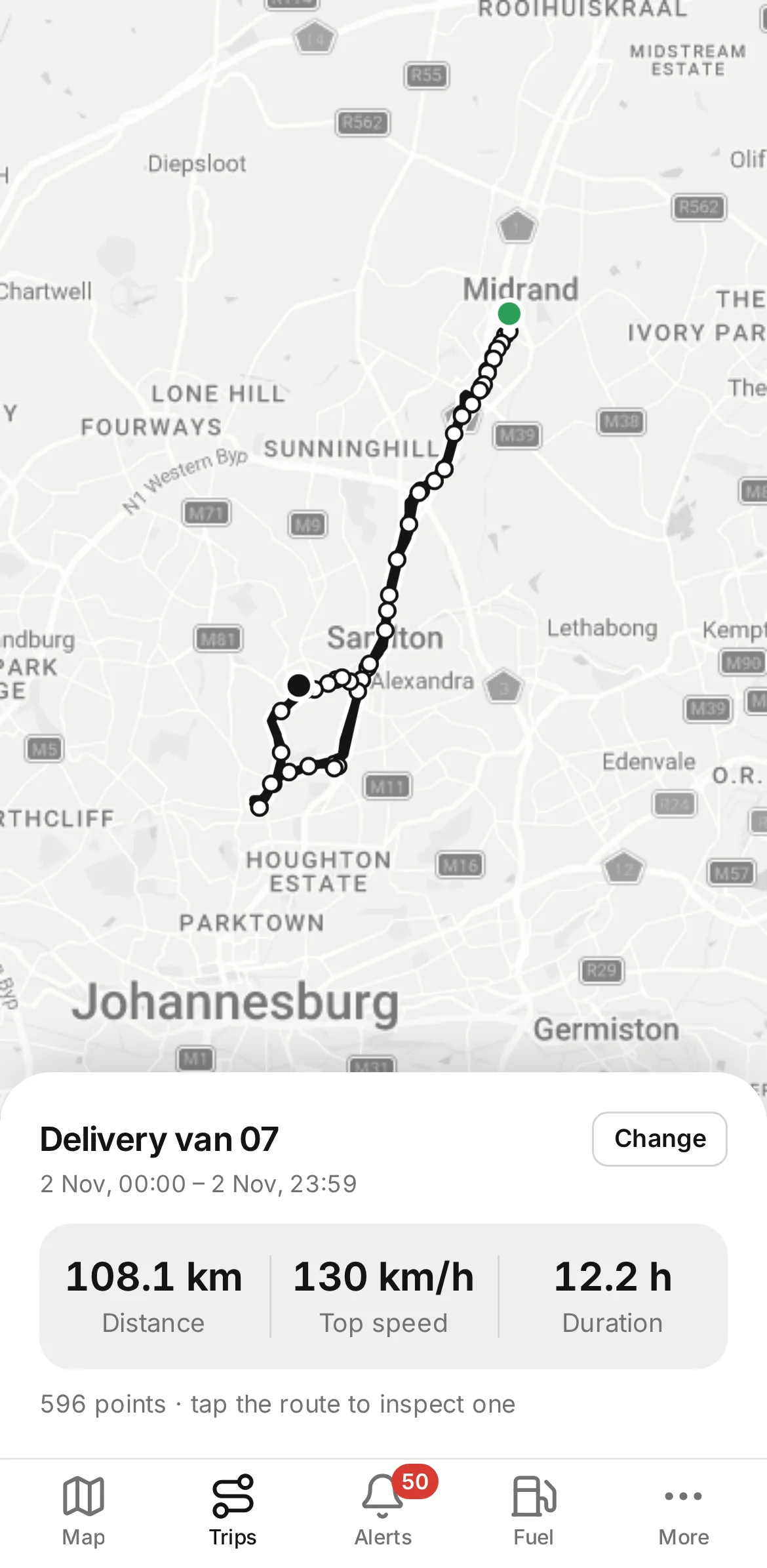
- Live positions and today's trips
- Camera photos and tank levels
- Alerts as they happen
- A link to share a vehicle's position
Support after the move
Clients raise tickets in the portal, and your staff answer them from the help desk, where each ticket has a status and an owner. Expect more tickets in the first week, many of them about passwords.
WhatsApp for quick questions
Once clients link their phone numbers to your WhatsApp menu, they can check where a vehicle is or open a ticket without signing in. That takes some of the load off your phone during the switch.
Questions about clients and the app
Should I tell clients who makes the platform?
There's no need. The platform runs under your name, and ours doesn't appear anywhere your clients look. Tell them what changes for them, which is the address, the password and the app.
What if a client doesn't get the password reset email?
Ask them to check their junk folder first. If it still hasn't arrived, set a password on their user record and ask them to change it after they sign in.
Is the Fleet app included in the plans?
It's an optional extra at $50, a single payment for your server. There's no charge per client or per install, and you decide whether to bill clients for it.
Read next
Put your name on the platform your clients use.
Order online and we'll usually have your branded server running within a day, ready for your first trackers.