
Moving client accounts and their history.
Importing accounts and devices.
On a supported platform, the account import logs in to the old platform's API with an administrator account. It copies the users, the devices and the links between them to your server, and keeps a JSON copy of what it fetched.
Run it again later and it updates the records it made the first time instead of adding duplicates. That way, accounts opened during a long switch can still come over near the end.
Passwords can't be copied, because the old platform's API doesn't give them out. The import sets a random password for each new user, and users choose their own with Forgot password on your sign-in page.
What the account import copies
- Users, matched by email address (users without an email are skipped)
- Devices, matched by unique ID, with name, SIM number, model and category
- Which user can see which device
- Each user's administrator and read-only settings
Importing position history.
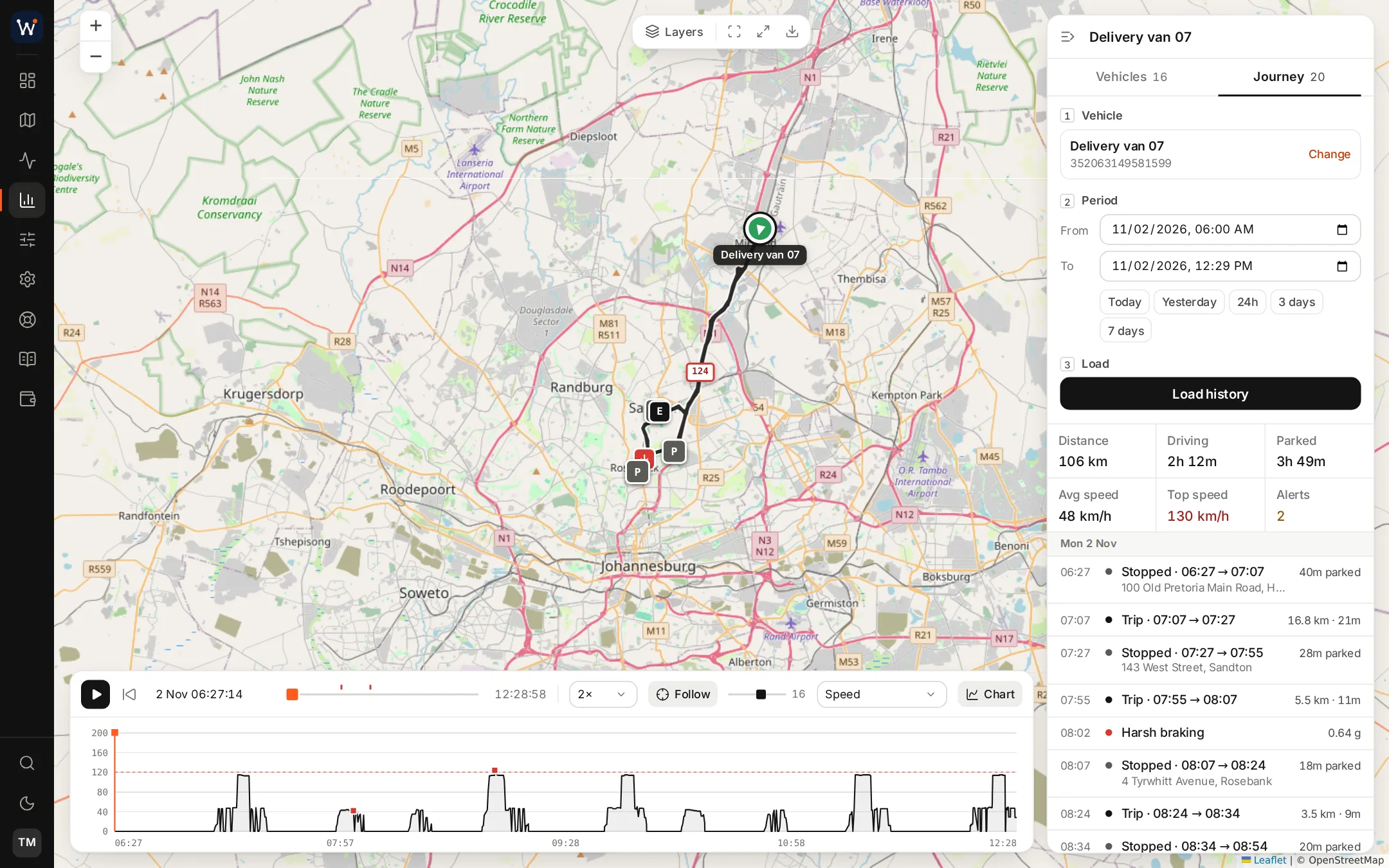
The history import copies stored positions. It connects to the old server over SSH and works through the positions table in its MySQL database, 250,000 rows at a time. Each position comes over with its time, coordinates, speed, address and sensor values.
It only copies positions for devices the account import has created, and it skips rows it has already copied, so you can stop it and start it again. When it finishes, it sets each device's latest position, so the map opens with the vehicles where they really are.
It only works with MySQL. If your platform stores positions in a different database, or isn't one we support, talk to us before you promise clients their history.
What we need for the history import
- SSH access to the machine the old platform runs on
- The MySQL database name, user and password
- Time, as a large positions table can take a while. Progress is logged block by block.
What the imports leave behind.
Rebuild these on your server before the clients they belong to move over.
| On the old platform | After the import |
|---|---|
| Geofences | Not copied. Redraw them, or load KML or GeoJSON polygon files on the geofence screen. |
| Groups | Not copied. Recreate the groups on your server. |
| Notifications | Not copied. Recreate the alert rules. Alerts can go out by WhatsApp, Telegram or email. |
| Events (past alerts) | Not copied. The positions are imported, but not the alerts the old platform raised from them. |
| Drivers, maintenance, saved commands | Not copied. Add them again on your server. |
| Passwords | Not copied. Users choose new ones. |
Moving from other platforms.
If your platform isn't one we support, there's no import tool for it. We'd rather tell you now than after you've ordered. You'll do more of the work by hand.
Devices by spreadsheet
Export the unit list from the old platform and upload it with the portal's device import. It takes .xls, .xlsx or .csv files with name, IMEI, SIM number, model, category and device type. It can also link the devices to one user as it goes.
Accounts by hand
Add client users in the portal with a password you choose, then send them their sign-in details. You can export the user list as a CSV for your records.
Zones from files
If the old platform exports geofences as KML or GeoJSON, you can load the files on the geofence screen. If not, you'll have to redraw them.
History stays behind
Positions recorded on the old platform can't be imported. Before the old account closes, export any reports clients might ask for, such as last year's trips or fuel use.
Questions about accounts and history
Can the imports run while the old platform is still in use?
Yes. Both imports only copy data from the old platform, through its API and its database, and neither changes anything there. Run a first pass early and a second near the end to pick up new accounts and recent positions.
How long does a history import take?
It depends on how many positions the old server holds and on the connection between the two machines. The tool copies 250,000 rows at a time and logs its progress after each block. If it stops, run it again and it picks up where it left off without copying anything twice.
Do clients keep their device names?
Yes. Names are copied with the devices, along with the model and category, so clients see the list they're used to.
Read next
Put your name on the platform your clients use.
Order online and we'll usually have your branded server running within a day, ready for your first trackers.